
Google Forms in your pocket.
Create, edit, and manage Google Forms from your phone — with instant response notifications and built-in analytics.
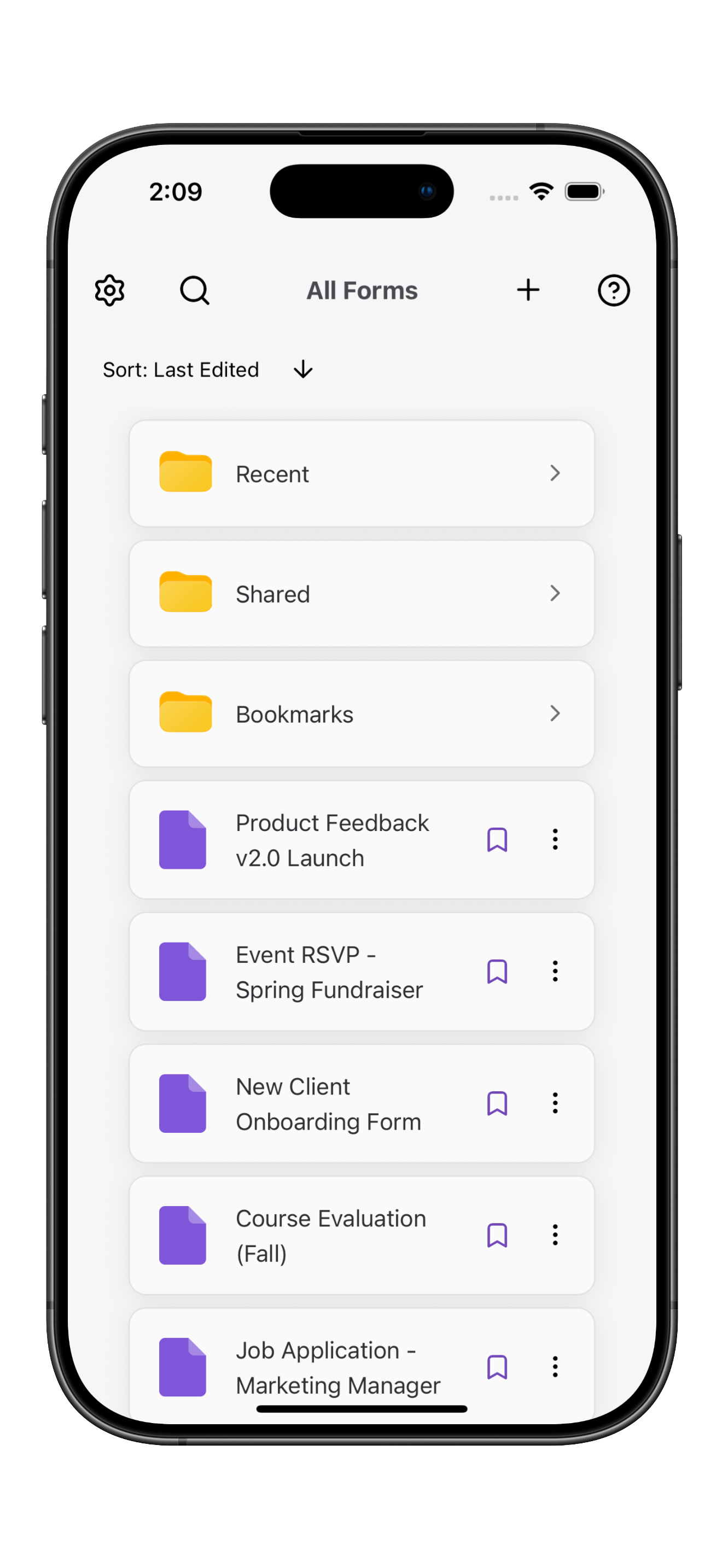
A premium Google Forms mobile experience.
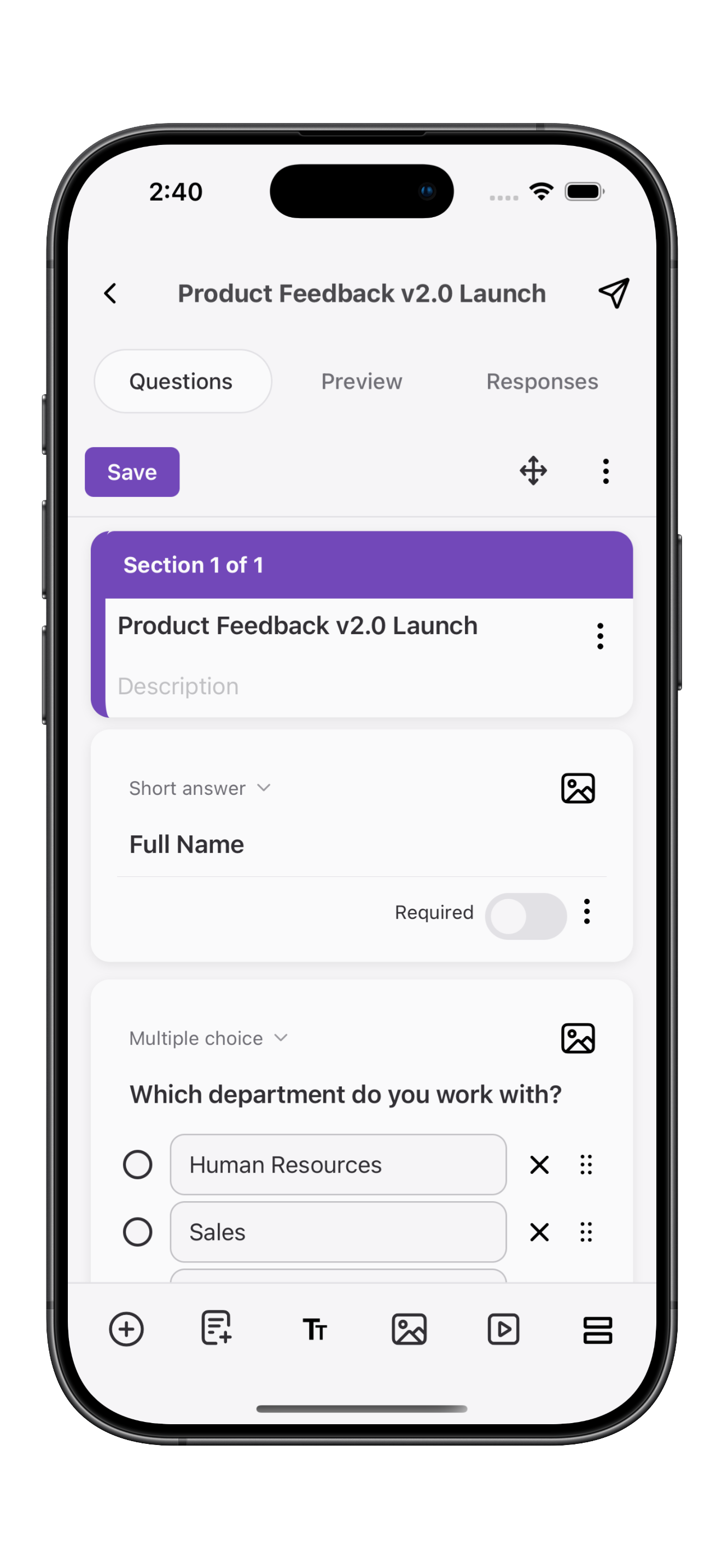
Create and edit forms on mobile
Add questions, reorder sections, set required fields, build quizzes — the same things you'd do at your desk, but designed for thumbs.
- All 11 Google Forms question types
- Drag-to-reorder sections and questions
- Grade quizzes on the go
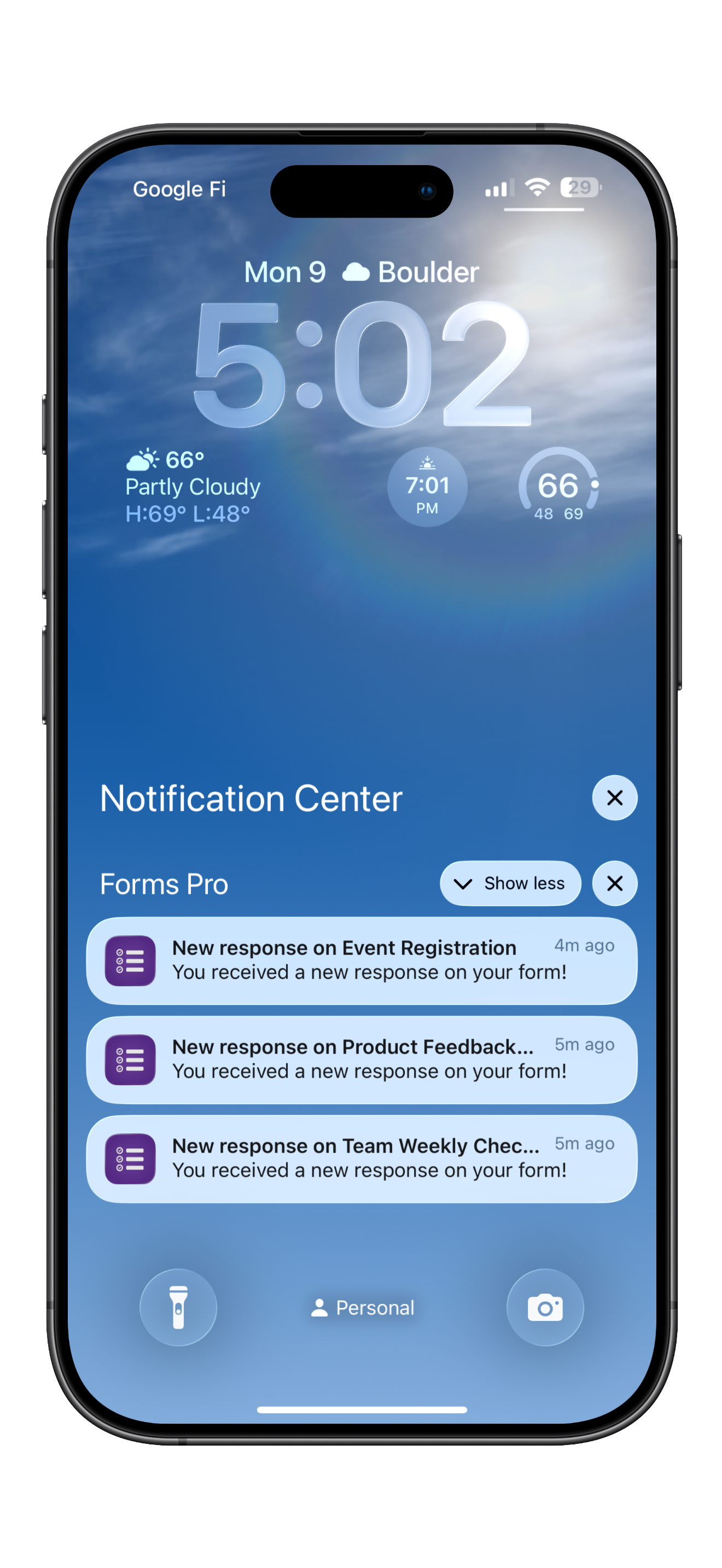
Never miss a response
Push notifications the moment someone submits. Open the alert and you're in the response — not five taps deep in a browser tab.
- Per-form notification toggle
- Instant notifications — anywhere
- Tap to jump straight to the response
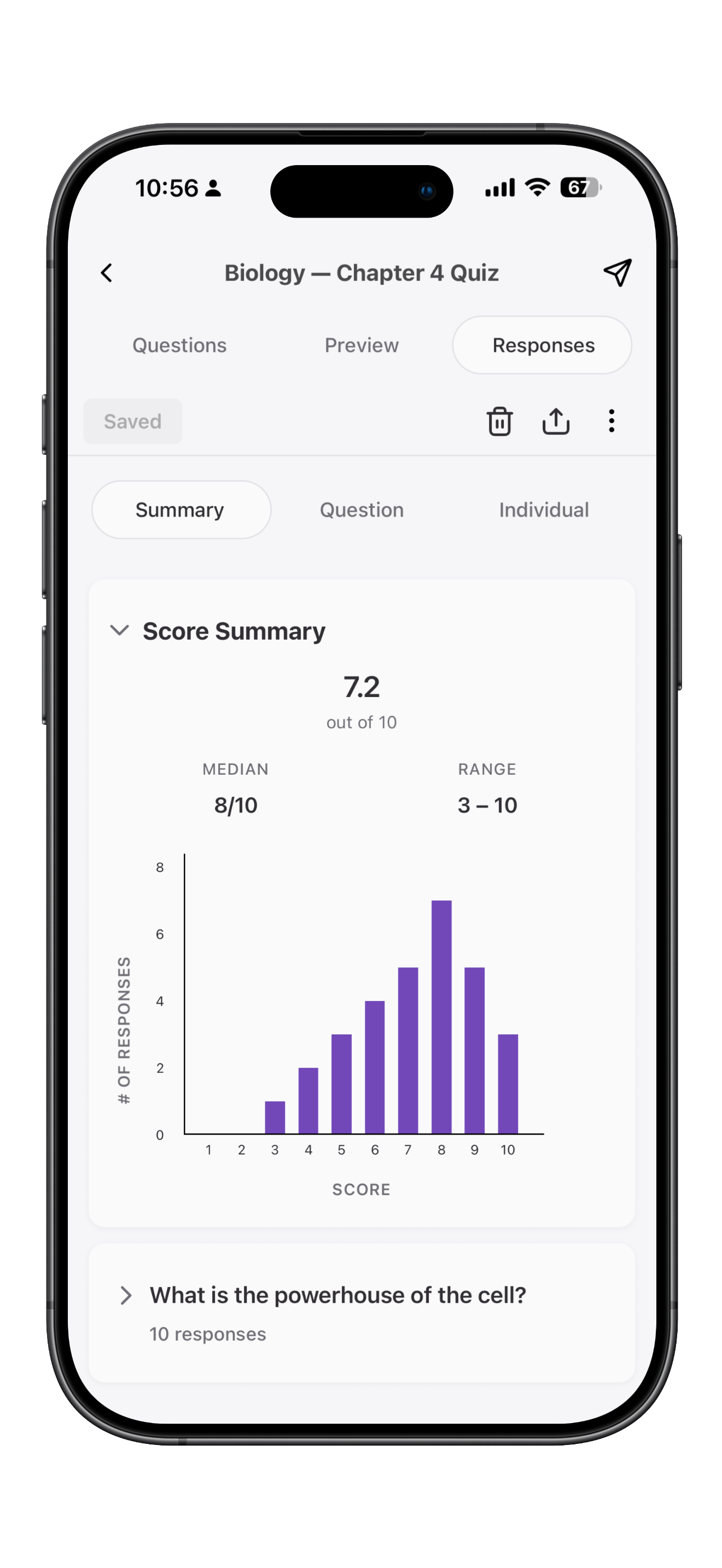
Charts, summaries, and insights
Every question gets its own chart and summary. Open a form anywhere and get an overview on the go.
- Bar and pie charts per question
- Quiz scores at a glance
- Export all responses to Sheets or CSV in one tap
Small details that matter when you're holding a phone.
Push responses straight to Google Sheets or grab a CSV — no copy-paste, no laptop required.
Search YouTube from inside the app and embed a video into any question — no tab-switching, no pasted links.
Edit on phone, edit on web — changes show up everywhere within seconds. Nothing locks.
Generate a link, copy a short URL, or drop straight into Messages or Mail.
Personal, school, side gig — switch in a tap. Each account keeps its own form list.
Responses live in your Google account, not ours. We don't analyze or store the data.
Try Forms Pro on your phone today.
No credit card. Cancel anytime from your Apple ID settings. Your forms stay where they are — in Google.